
Split Video Online
Cut video into clips instantly — no upload, no watermark, works offline
Drag and drop a video file, or click to browse
MP4, WebM, MOV, MKV, AVI, FLV, 3GP, MPG, WMV and more
SPLIT VIDEO INSTANTLY
Cut videos into clips right in your browser — no uploads, no watermarks, 100% private. The fastest free video cutter online.
Drop your video to get started4 Ways to Cut Video
Choose how you want to split video — from precise manual cuts to fully automated batch processing. Every method is built for speed.
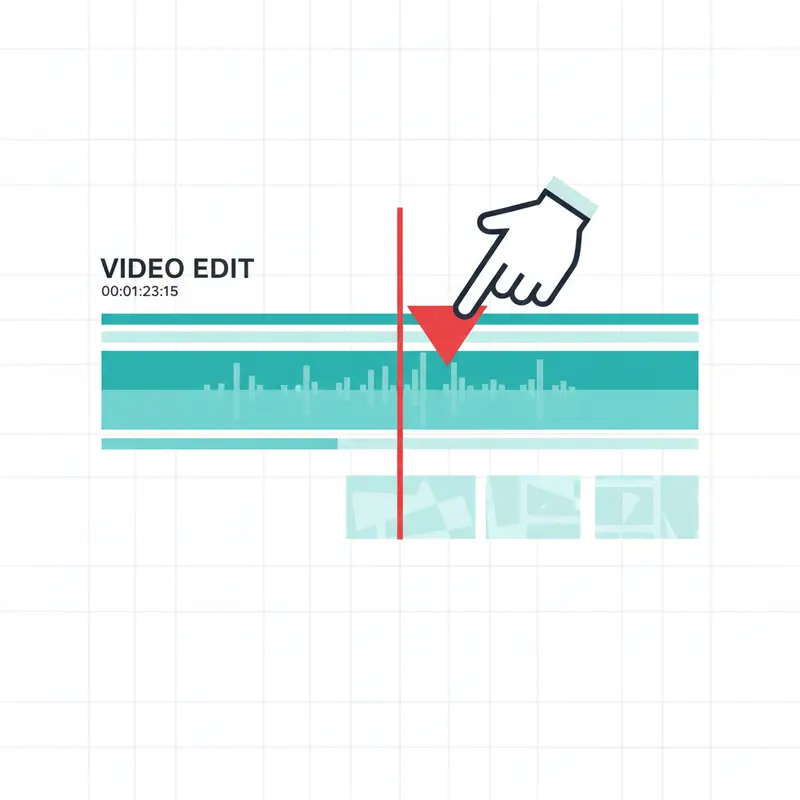
Manual Video Cutter
Click anywhere on the timeline to mark cut points. Drag markers to fine-tune positions. Preview each clip before exporting.
Best for precise editing when you need to trim video with frame-accurate results.
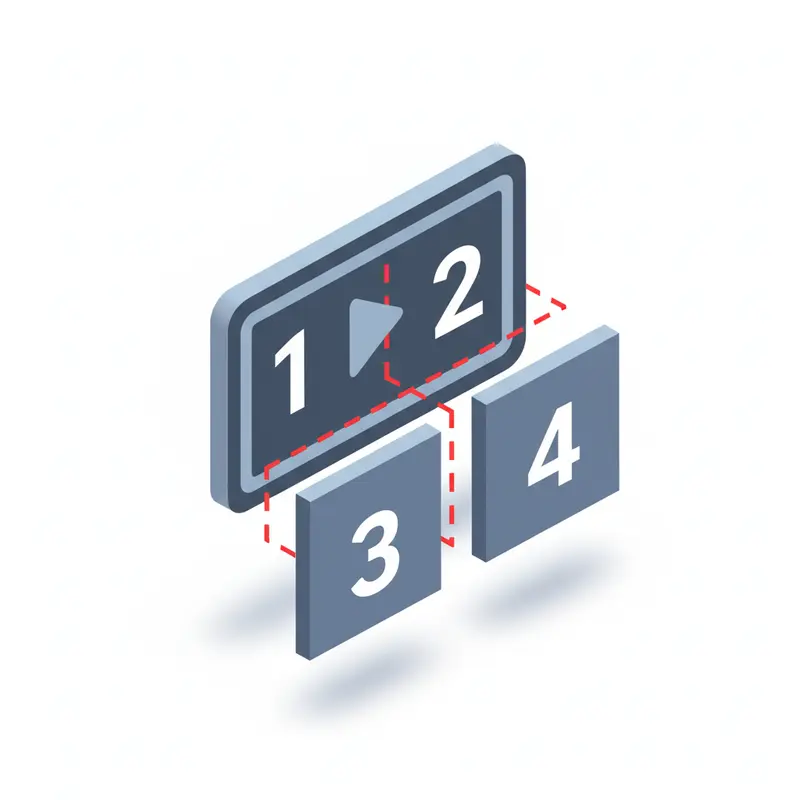
Divide Into Equal Parts
Automatically segment footage into 2, 3, 4, or more equal sections. The fastest way to break long recordings, lectures, or content into uniform chapters.
Perfect for episode creation — use the video trimmer to chunk content evenly.

Split Video by Duration
Set a fixed duration (30s, 1min, etc.) to trim video automatically. Perfect for creating consistent time-based chunks for social media clips.
Social media optimized — split video for TikTok, Reels, and Shorts.

Segment by File Size
Specify a target file size per clip to fit platform upload limits. Great for WhatsApp, Discord, or email attachment restrictions.
Our video cutter uses bitrate estimation for instant results.
How to Split Video Online in 3 Steps
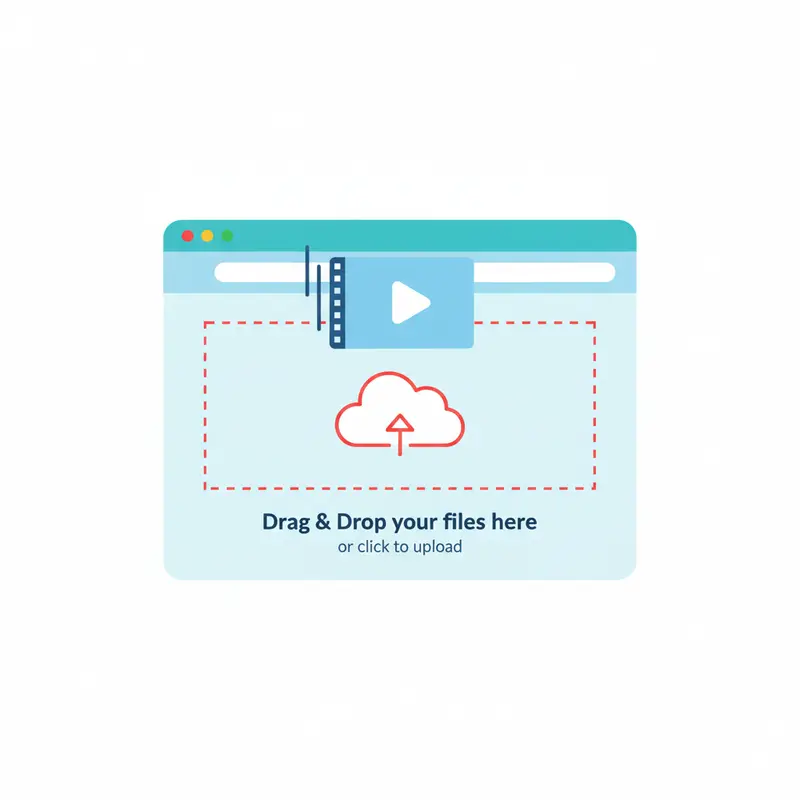
Load Your Video
Drag and drop to start. Our video trimmer supports all major formats: MP4, WebM, MOV, MKV, AVI, and more.
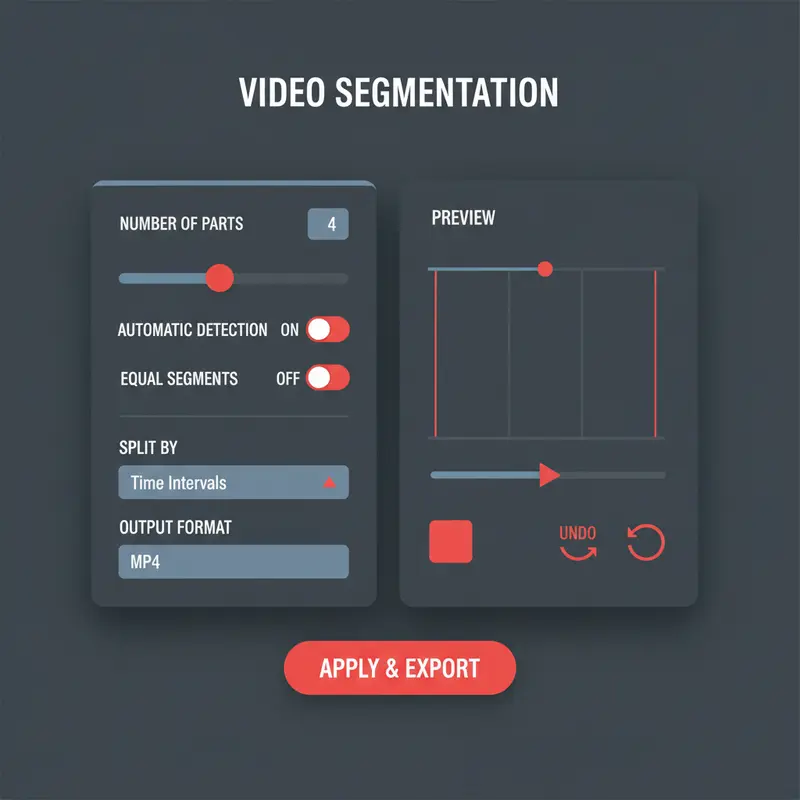
Set Cut Points
Click the timeline to cut video manually, or choose automatic division by duration, size, or equal parts.
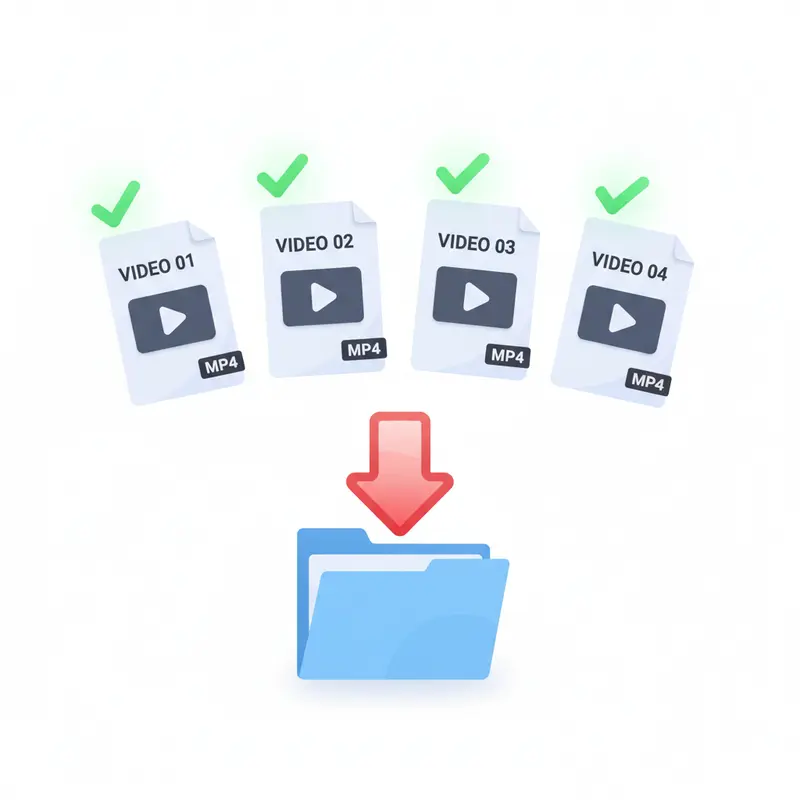
Export & Download
Hit the Split Video button and download your clips. Get separate files or grab them all at once as a ZIP.
Why Use a Local Video Cutter?
Cloud tools force you to upload, wait, and download. When you split video with SwissDojo, processing happens instantly on your device.
Privacy First
Cut videos without your files ever leaving your computer. Zero server uploads means zero privacy concerns.
Instant Processing
Trim video the moment your file loads — no upload queue, no waiting for server processing.
No Restrictions
Trim video of any length or resolution without limits. No file size caps or daily quotas.
Technical Specs
Fast Mode: Instant Cuts
Enable Fast Mode to split video in seconds using stream copy. This video splitter method skips re-encoding — perfect for quick edits. Cuts snap to the nearest keyframe.
Use it when speed matters. Disable to trim video with frame-perfect precision.
Advanced Options
When re-encoding is enabled, the video splitter can export to different formats (MP4, WebM, MOV, MKV) and set quality levels. This gives you complete control over output.
Why SwissDojo?
See how our video trimmer compares
Video Splitter FAQ
Related Video Tools
Use Responsibly
Only process content you own or have rights to use. Respect copyright and platform terms of service.
Ready to Split Video?
Drop your file above to split video online — free, private, unlimited.
Split Video Now