
Convert Video Online
Change video format instantly — no upload, no watermark
Drop your video here
or click to browse
Supports MP4, MKV, WebM, AVI, MOV, WMV, FLV, 3GP, MPEG, OGV, M4V, GIF
CONVERT VIDEO INSTANTLY
Change video format between MP4, WebM, MKV and 12+ formats — right in your browser. No uploads, no watermarks, 100% private.
Drop your video to get startedVideo File Converter for All Formats
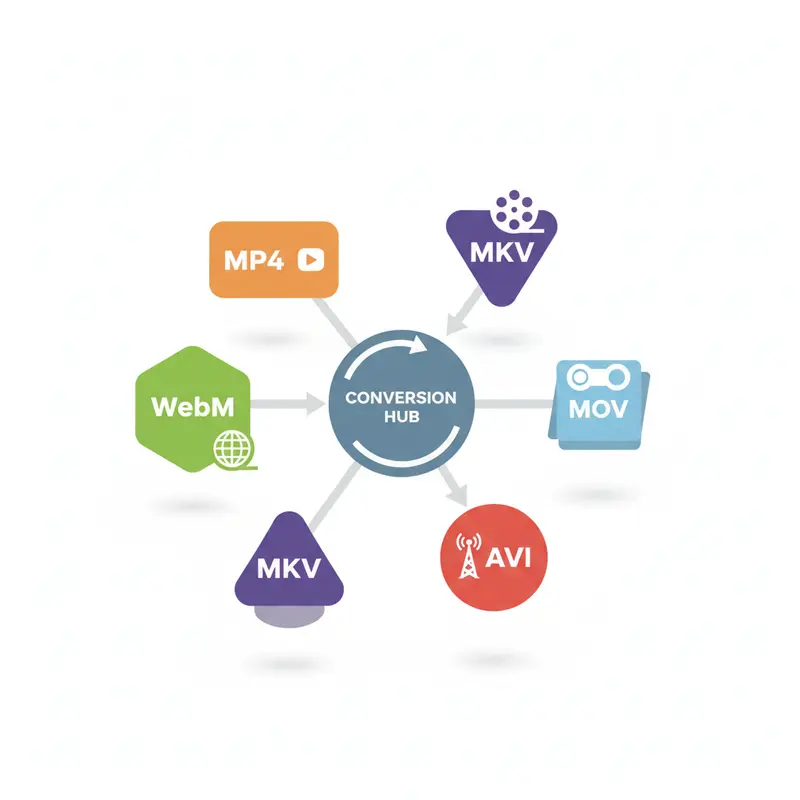
Our media converter handles all popular formats. Whether you need MP4 for compatibility or WebM for the web, we've got you covered.
MP4 — Universal Playback
The universal standard. Change video format to MP4 for maximum compatibility — plays on every device, browser, and platform without issues.
Best choice when you need a video file converter for sharing across platforms.
Switch to WebM
Open web format with superior compression. Export to WebM for smaller files with excellent quality. Ideal for HTML5 embedding and web streaming.
Optimized for web delivery — use this media converter for streaming.

Quality Control
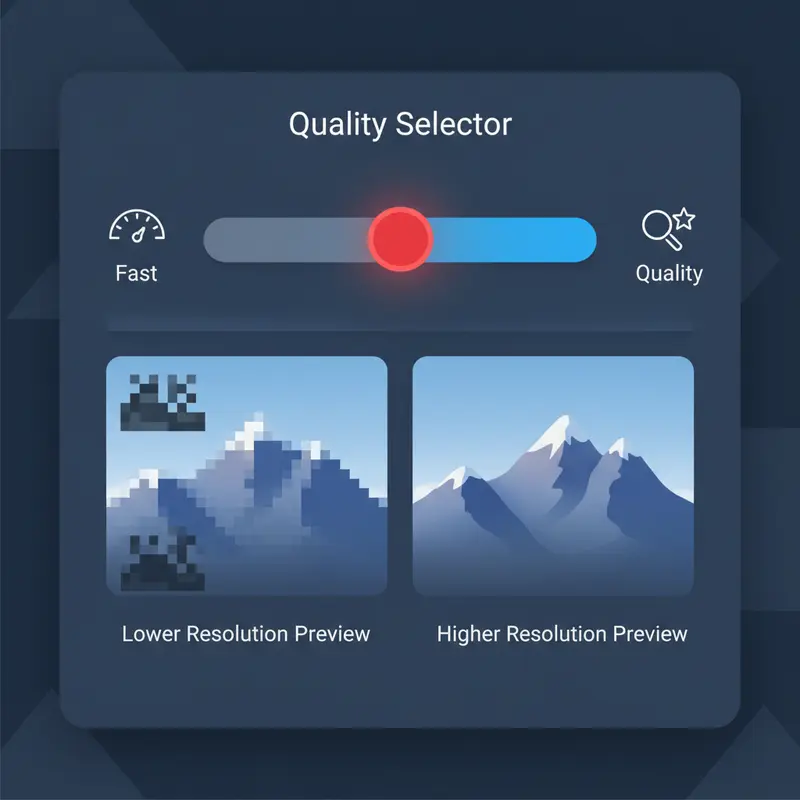
Choose High, Medium, or Low output quality. Higher quality means sharper detail but larger files. Fine-tune every conversion to your needs.
Full control when you change video format settings.
12+ Format Support
Switch between MP4, MKV, WebM, AVI, MOV, WMV, FLV, 3GP, MPEG, OGV, M4V, and GIF. Any source format, any target format.
Complete format flexibility — any source to any target with one click.
How to Convert Video in 3 Steps
Load Your Video
Drag and drop your file. This video file converter supports MP4, MKV, WebM, AVI, MOV, and 7 more input formats.
Choose Format & Quality
Select your target format. Adjust quality (High/Medium/Low) and encoding speed as needed.
Process & Download
Click the button and download instantly. This media converter processes everything locally in your browser.
Why Use a Local Media Converter?
Cloud services make you upload, wait, then download. Our video file converter starts processing instantly — no server needed.
Complete Privacy
Your files never leave your device during conversion — essential for sensitive content.
Instant Start
Start processing the instant your file loads — no upload queue, no waiting for servers.
No Limits
Process files of any size without hitting server quotas. Your RAM is the only limit.
Technical Specs
Encoding Speed Control
Adjust encoding speed to control output. Fast for quick jobs, Slow for optimal compression. This media converter gives you full control over the balance between speed and quality.
Slower encoding produces smaller files at the same quality level.
Quality Settings
Choose from High, Medium, or Low quality presets. Higher quality preserves more detail but produces larger files. Medium is optimal for most conversions.
Why SwissDojo?
See how our video converter compares
Video Converter FAQ
Related Video Tools
Use Responsibly
Only process content you own or have rights to use. Respect copyright and platform terms.
Ready to Convert Video?
Drop your file above and start converting instantly — free, private, unlimited.
Convert Video Now