
Drop your image here
or click to browse
Supports JPEG, PNG, WebP, BMP, AVIF
CROP IMAGE INSTANTLY
Crop photo, trim image, or resize — all with pixel-perfect precision right in your browser. No uploads, no watermarks, 100% private.
Drop your image to get startedPowerful Cropping Tools
Everything you need to crop image files with precision — trim photo to any aspect ratio with Swiss-engineered tools.
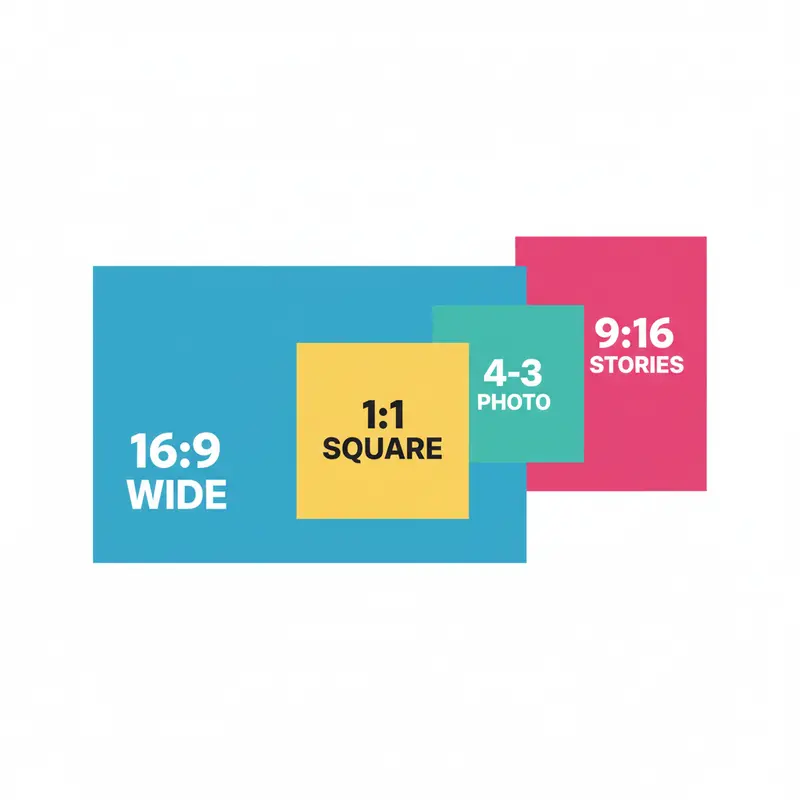
Aspect Ratio Presets
Crop image to 1:1 for Instagram, 16:9 for YouTube thumbnails, 4:3 for photos, or freeform. Select a ratio and frame your shot.
Perfect presets to crop photo for every social platform.
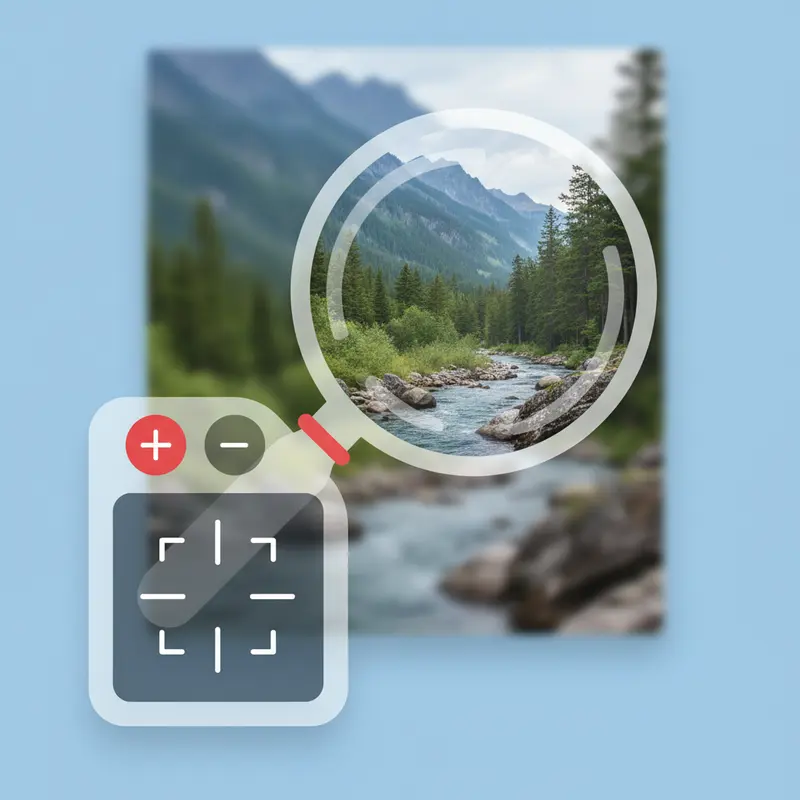
Zoom & Pan
Drag to reposition and zoom to frame perfectly. Get exactly the result you want with intuitive touch and mouse controls.
Trim photo with pixel-perfect framing using zoom and pan.
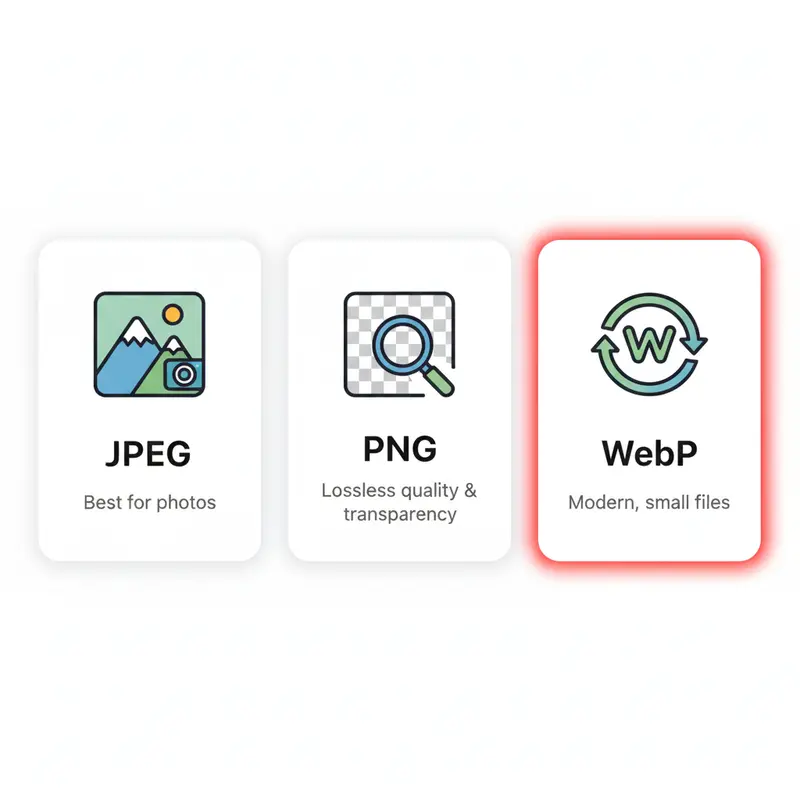
Multiple Formats
Export as JPEG for photos, PNG for transparency, or WebP for optimal compression. Adjust quality for the perfect balance of size and clarity.
Full export control — crop photo in any format for any workflow.
Private Processing
The Canvas API processes everything in your browser. Your images never upload to any server — complete privacy guaranteed.
Trim image privately — zero server contact, zero data collection.
How to Crop Image in 3 Steps
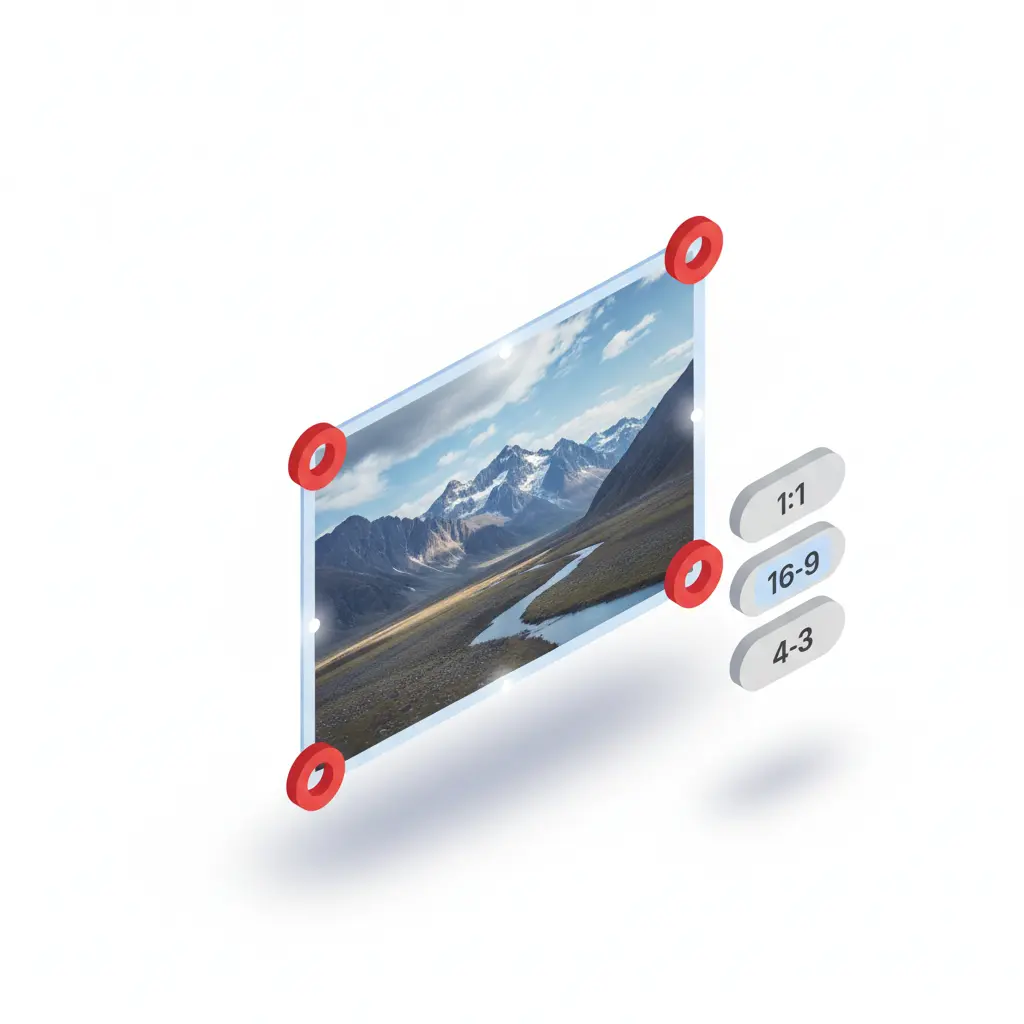
Load Your Image
Drag and drop to start. Supports JPEG, PNG, WebP, BMP, and AVIF — trim image in any format.
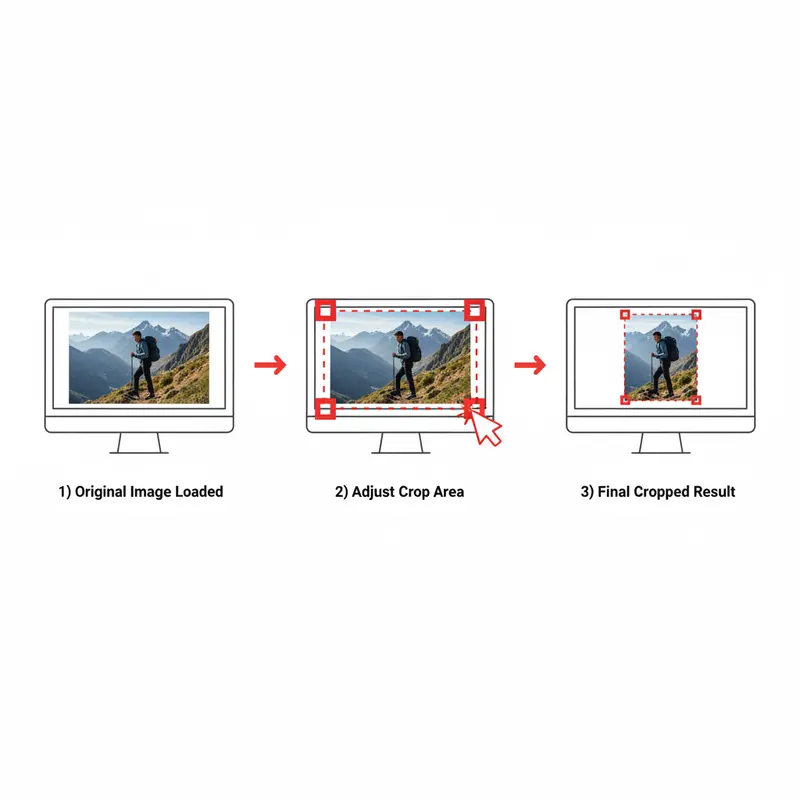
Adjust the Frame
Select aspect ratio or freeform to crop image. Drag to reposition and zoom to frame before exporting.
Export & Download
Choose format and quality, click Crop Image to trim photo. Your result downloads instantly to your device.
Why Crop Photo Locally?
Every operation happens using the HTML5 Canvas API in your browser. No data touches our servers.
Zero Uploads
Crop photo without files ever leaving your device. Complete privacy for sensitive photos.
Instant Results
Trim image instantly — no upload queue, no processing delay. Results appear in milliseconds.
Works Everywhere
Trim photo on any device with touch support. iOS, Android, desktop — all work seamlessly.
Technical Specs
Quality Control
Adjust quality when you trim image to JPEG or WebP. Higher quality preserves more detail but creates larger files. For lossless results, export to PNG.
PNG is lossless — perfect when you need to crop photo without any quality loss.
Format Options
Export to JPEG for photos (smallest files), PNG for transparency or lossless quality, or WebP for best compression. Trim photo to any format with modern browser support.
Why SwissDojo?
See how our photo cropper compares
Image Cropper FAQ
Related Tools
Use Responsibly
Only crop photo or edit content you own or have rights to use. Respect copyright and intellectual property.
Ready to Crop Image?
Drop your file above to trim photo instantly — free, private, unlimited.
Crop Image Now